Jun
2026
OmniSite Tech Tips
Issue
#23
IN THIS ISSUE
Updated Maps Page in GuardDog
AI Analysis on Microscopic Sample Page
FREE GuardDog Webinar
OmniComic
Updated Maps Page in GuardDog
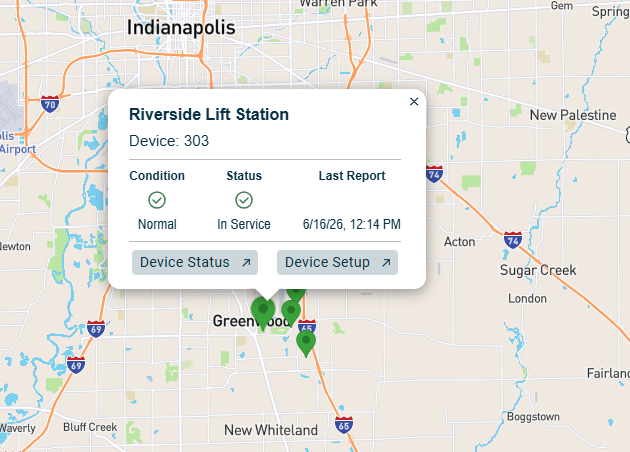
Visual View of Stations and Weather
GuardDog now features an updated maps page, offering users a visual method to view and interact with site information, enhancing the overall user experience. On the Device Setup page, input the complete address for each station, then proceed to Map View to see all your stations. This intuitive feature adds significant value by simplifying site management and providing a comprehensive overview at a glance. In addition to site information, the map will display the weather information for each site allowing you to prepare before your site visit.
AI Analysis on Microscopic Sample Page

AI will interpret Samples
In GuardDog you may have noticed a microscopic samples page. Using a camera microscope, upload your lab samples into GuardDog and AI will analyze your sample. Basically, a virtual lab assistant to help you interpret sample data. Use artificial intelligence to help empower your operations and give you recommendations on how to run your plant more effectively. Reach out to us at sales@omnisite.com, if you are interested in testing this new feature!
Are you getting the most out GuardDog?
OmniSite offers a FREE webinar that focuses on your GuardDog account. Our trained professional team will walk you through how to use our platform, set up alarm callouts, look at reports, and more!
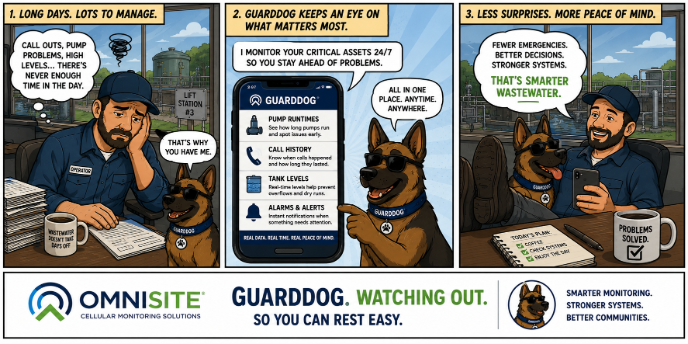
OmniComic